
 YzPzCode
 Gemini CLI

Claude Code
Deep reasoning and autonomous refactoring across large codebases.
claudeOpen source desktop app for Windows, macOS and Linux
Run 26 coding agents side by side with real terminals, an editor and a browser. One native app.
How it works
Keep scrolling to watch one change go from template to commit, the way it happens inside YzPzCode.
Persistent PTY sessions in a resizable grid, driven by a Rust core. Shells and agents run side by side.
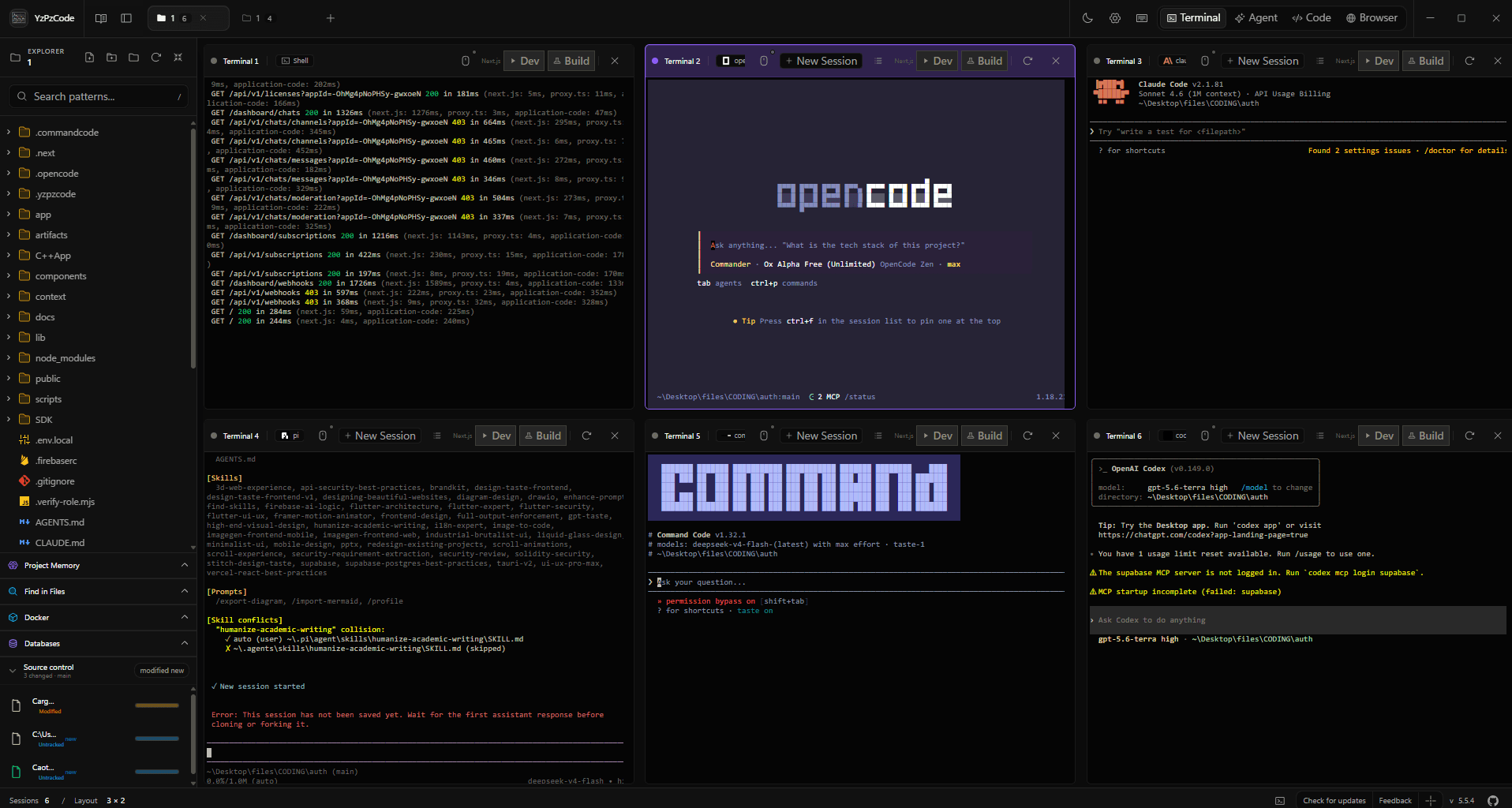
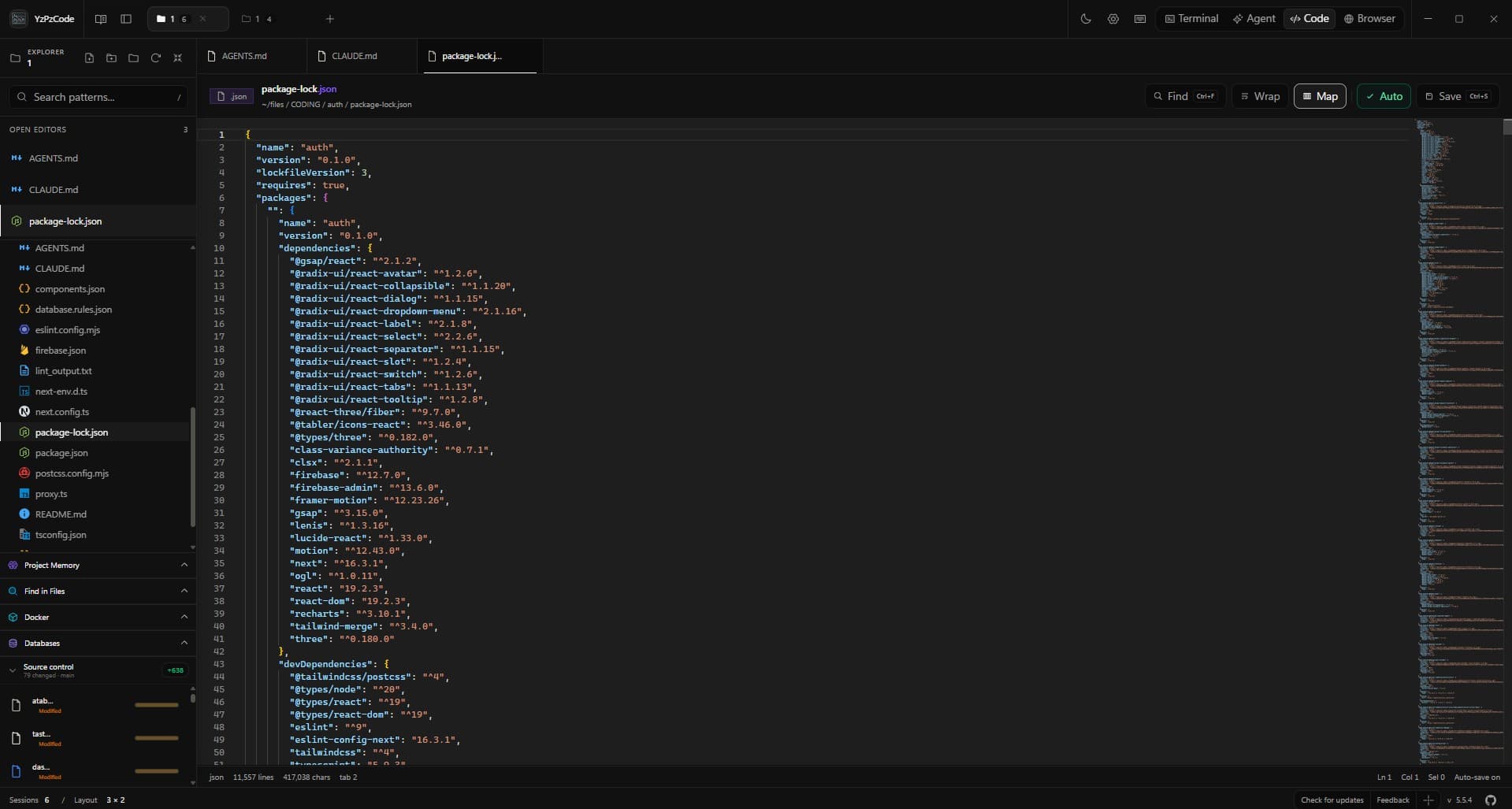
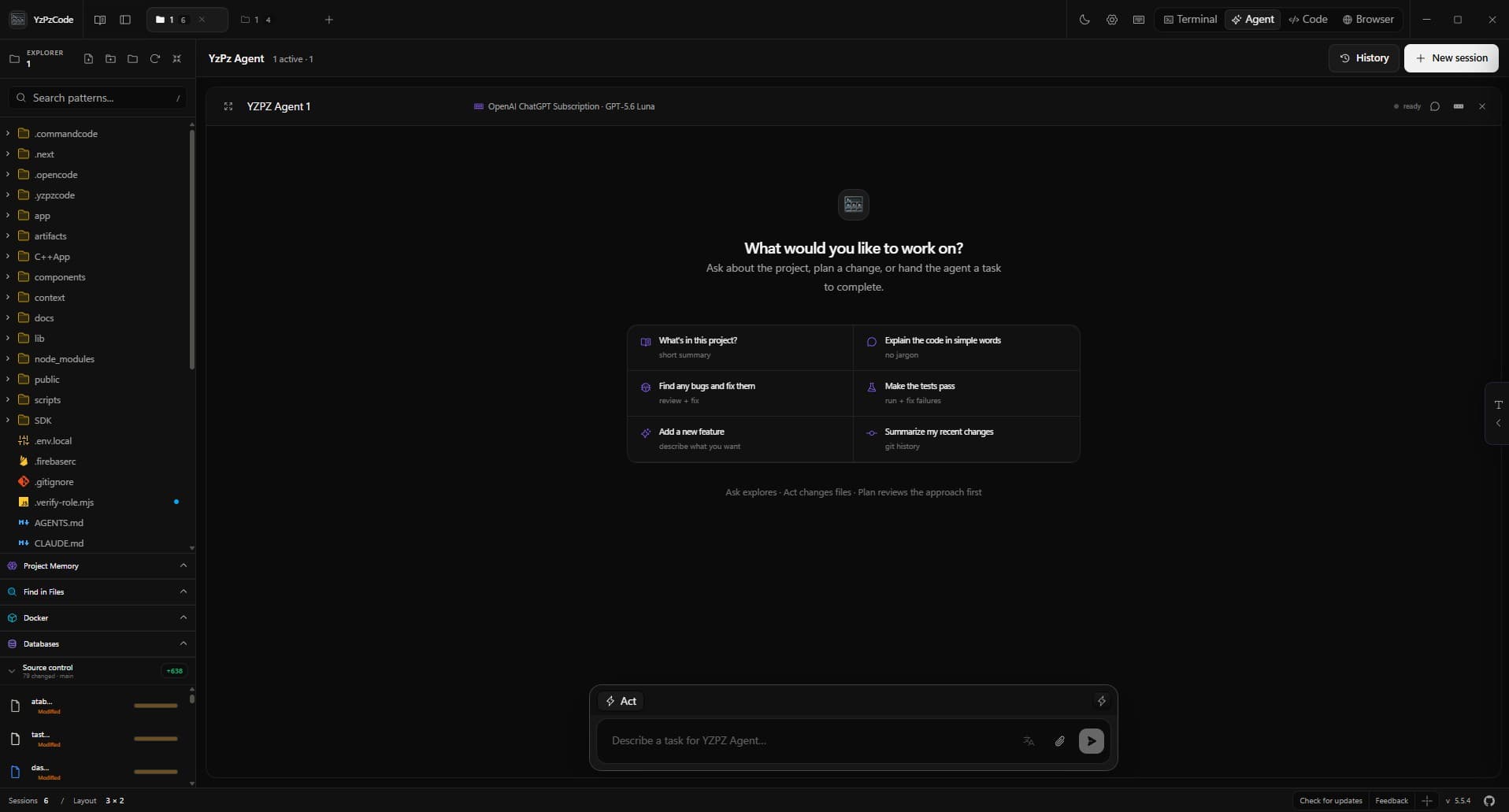
YzPzCode finds the CLIs on your machine, installs missing ones in a click and tracks who is signed in.
Deep reasoning and autonomous refactoring across large codebases.
claude
Precise code generation and unit test authoring.
codex
Google's agent for autonomous, multi-step task execution.
agy
Open-source agent for customizable local workflows.
opencode
Agentic file editing backed by codebase indexing.
cursor
Fast, terminal-native agent workflows.
kilo
A compact autonomous assistant for the terminal.
hermes
A minimal agent harness with extension hooks.
pi
Interactive command and script orchestration.
cmdYzPzCode reads your project manifest across 15+ ecosystems and puts Run and Build right in the terminal header.
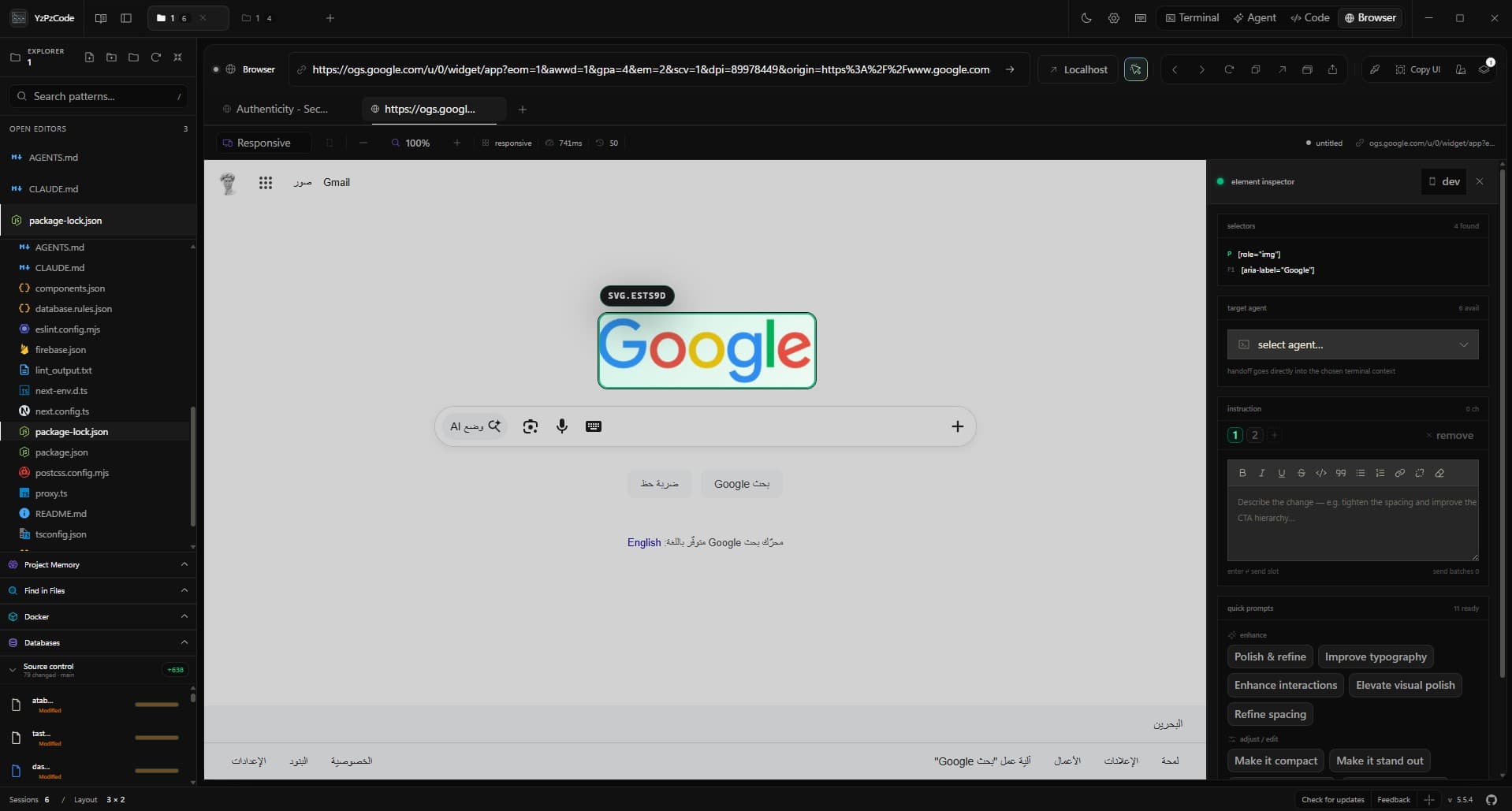
Localhost URLs from your dev server open in the built-in browser.
YzPzCode coordinates local tools without becoming another cloud layer between you and your project.
Projects, terminal sessions and project memory live on your machine.
Agents propose. Consequential steps wait for your go-ahead.
Each extension webview gets its own origin and cannot call app commands.
It detects gh, Supabase, Vercel, Stripe and more, then tracks sign-in state. No proxy in between.
ghsigned insupabasesigned invercelsigned instripesign inposthog-clisigned inFAQ
The short version of what YzPzCode is, what it runs, and where your code goes.
YzPzCode is an open-source desktop app that puts your AI coding agents, real terminals, a code editor with Git, and a built-in browser in one window, so you can run several agents on the same project without switching tools.
YzPzCode runs 26 coding agents and CLIs side by side. The core integrations are Claude Code, Codex CLI, Antigravity, OpenCode, Cursor CLI, Kilo, Hermes, Pi, Command Code. It also works with Cline, GitHub Copilot, Aider, Amp, Grok, Devin, Kimi Code, Mistral Vibe, Kiro, Trae, Qoder, DeepSeek TUI, Reasonix, CodeBuddy, DeepSeek Harness, AtomCode, MiMo Code.
Yes. YzPzCode is free to download and licensed under Apache-2.0. The full source code is on GitHub at https://github.com/wolfenazz/YzPzCode.
YzPzCode is a native desktop app for Windows (.msi and .exe), macOS (.dmg for Apple Silicon and Intel) and Linux (.deb and .AppImage). Installers are published on the GitHub releases page.
YzPzCode is local-first: projects, terminal sessions and project memory stay on your computer, and it does not sit between you and your CLIs as a proxy. The agents you run still talk to their own providers under their own settings, and consequential agent actions wait for your approval.
Yes. You can launch six terminals at once, give each agent its own task, and every agent starts from the same workspace. You get a notification the moment an agent finishes, and you review every change as a diff in the editor before you commit.
When your dev server prints a localhost URL, YzPzCode opens it in the built-in browser. Click any element on the live page and its selector and styles are sent to the agent you choose, so a request like “fix this” points at exactly that element.
It detects your project and picks the right run command for Node, Python, Rust, Go, Flutter, CMake, .NET, Java projects, so pressing Run starts the dev server without setup.
Bring your coding agents into a desktop workspace built for the whole loop.
Windows, macOS and Linux. Apache-2.0 licensed.